














In digital marketing, success is measured by more than just clicks. You need to know which actions truly matter for your business, and that’s where conversion rules come in. By defining, tracking, and sending accurate conversion data, you can give ad platforms the information they need to optimize campaigns and maximize your ROI.
MyDataNinja now makes conversion configuration simple by supporting what’s often called Conversion API, or CAPI. This same technology is also referred to in the industry as offline conversions or server-side conversions, different names for the same process of sending your conversion data directly from your systems to your advertising platforms for maximum accuracy.
What are Conversion Rules?
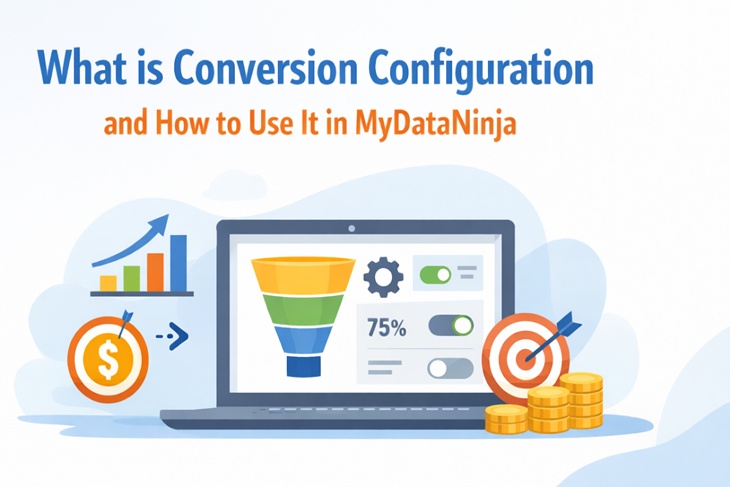
Conversion rules are the process of telling your tracking system exactly what counts as a conversion. A conversion could be a purchase, a form submission, a phone call, or any other action that drives business value.
Without proper configuration, ad platforms rely only on browser-based tracking, which is often incomplete due to privacy restrictions and cookie limitations. This can lead to missing or inaccurate data, making campaign optimization harder.
How MyDataNinja Helps
With MyDataNinja, you can easily configure and send your conversion data, whether it comes from your website, your app, or even offline channels.
This process ensures that every valuable action is captured, even if it didn’t happen online, and that your ad platforms have the full picture when optimizing campaigns.
Why It Matters
Accurate conversion data helps advertising platforms improve targeting, allocate budgets more effectively, and maximize your return on ad spend. MyDataNinja supports advanced server-side conversion tracking to ensure your setup is reliable and future-proof.
Getting Started in MyDataNinja
To begin, go to either the Deals, Contacts, or Postbacks page on the left menu.

Then, click the Conversion Config button, and fill out the Conversion Rules.

There are three conversion rules that you should fill out, they are:

1. Status
The status rule tells MyDataNinja when a tracked event should count as a conversion.
- Think of it like a filter: an event must meet certain conditions before it’s considered a success.
- Example: You might only want a lead marked as “Qualified” in your CRM to count as a conversion, not every form submission.
- This prevents “junk” or incomplete actions from being included in your reports and ad platform optimizations.
2. Conversion
The conversion rule defines what type of action you’re tracking.
- It’s essentially the label for the event you want to send to platforms like Meta, Google, or TikTok.
- Example: “Purchase,” “Lead,” or “Signup.”
- By naming and defining the conversion, you can send the right event to the right platform for attribution and optimization.
3. Value
The value rule assigns a monetary amount (or score) to a conversion.
- This can be static (same value for every conversion, e.g., $50 per lead) or dynamic (actual purchase amount or revenue pulled from your sales data).
- Ad platforms use this value for ROAS (Return on Ad Spend) calculations and to prioritize higher-value conversions in optimization.
Conclution
Conversion rules are a great way to automatically organize the actions that matter most to your business, helping you measure success and optimize campaigns more effectively.
If you have any additional questions, please contact us via website live chat (24/7) or via Email.